Upload an image
Drag and drop an image. It is processed locally in your browser and never uploaded to a server.
- JPG / PNG / WebP
- Up to 10MB
- Try a sample
 Perler Bead
Create a printable fuse bead or Hama-style pattern in your browser. Color matching and image processing stay on your device.
How it works
Upload, adjust, and export in your browser — no account needed.
Drag and drop an image. It is processed locally in your browser and never uploaded to a server.
Set grid detail, remove the white background, map real bead colors, and fine-tune with brush and eraser.
Export a color-coded sheet with bead counts, then print and build from it.
Bead pattern preview
Drag the slider to see color, outline, and bead texture after conversion.
Drag the divider to compare original and bead pattern. The grid and color blocks are for demonstration — a finished piece will vary by size, brand, palette, and ironing.
Try your picture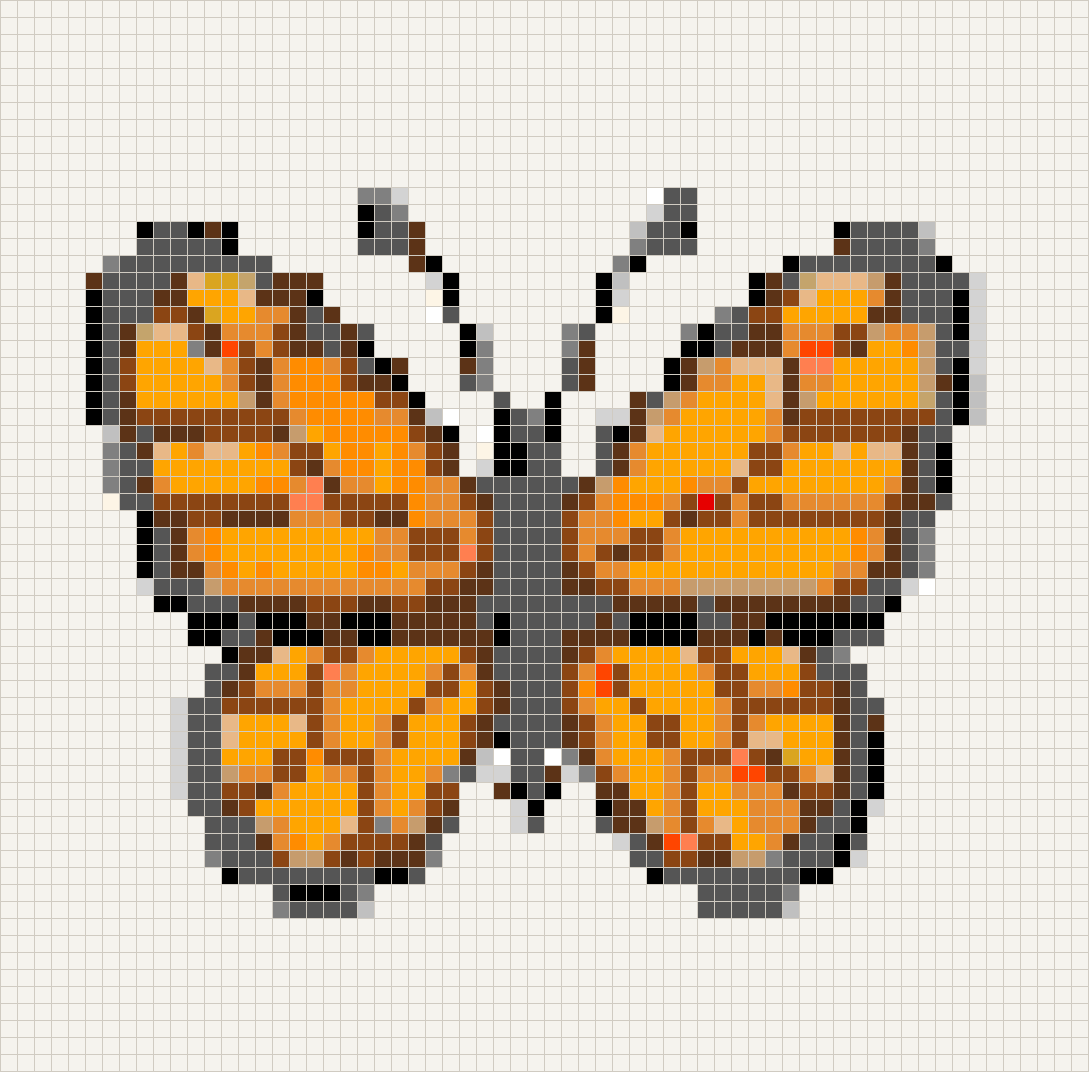
Pick a few ready-made patterns — tap one to turn it into a printable sheet.
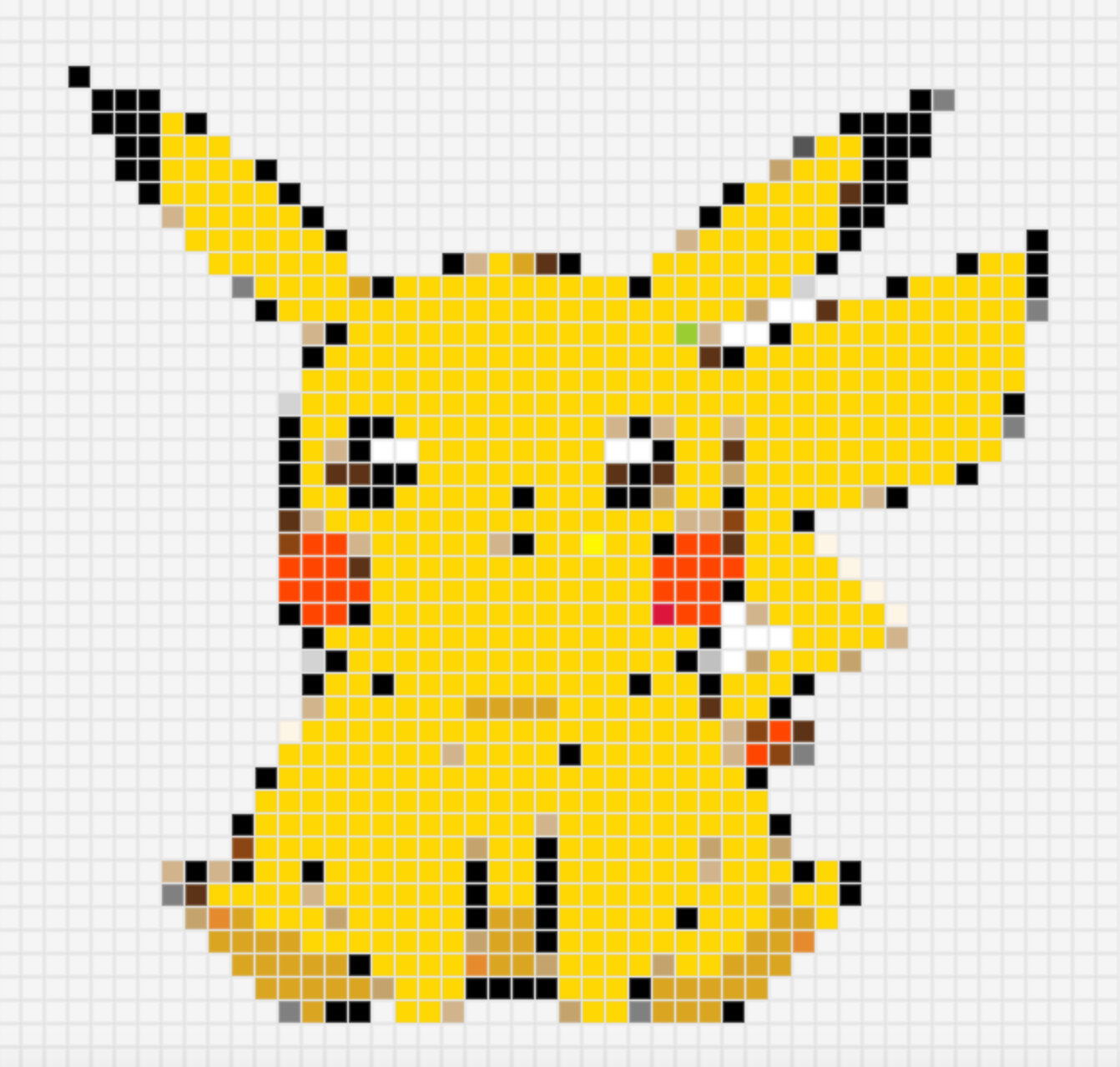
A bright yellow sitting Pikachu with black-tipped ears and rosy cheeks — round, easy to recognize, and perfect as a desk ornament, keychain, or Pokémon-themed handmade gift.
Easy · 48 × 48 · Open pattern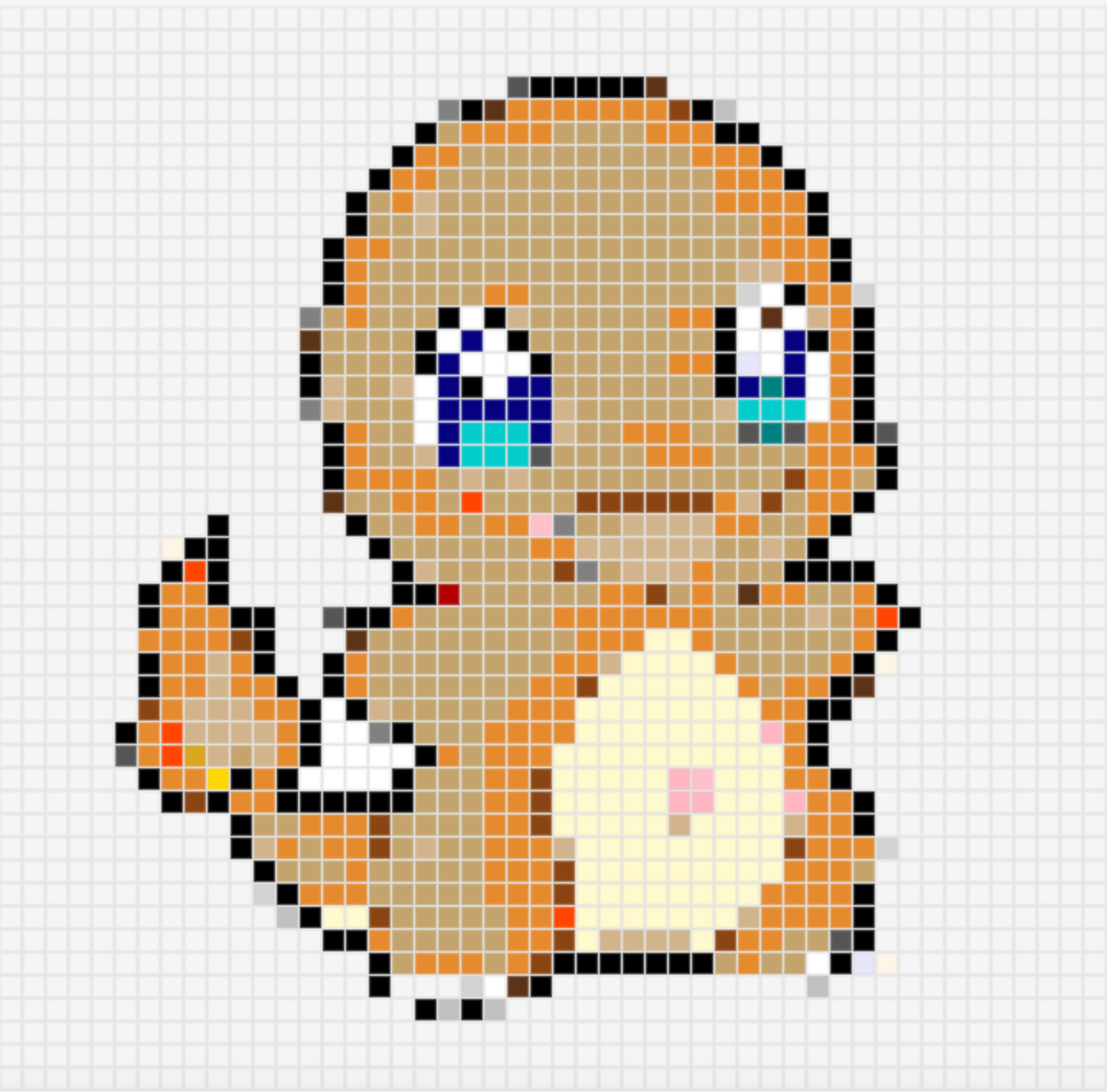
A warm-orange Charmander with a cream belly and a glowing tail flame — bright blue eyes give it a gentle look, great as a desk piece, bag charm, or Fire-type craft gift.
Medium · 48 × 48 · Open pattern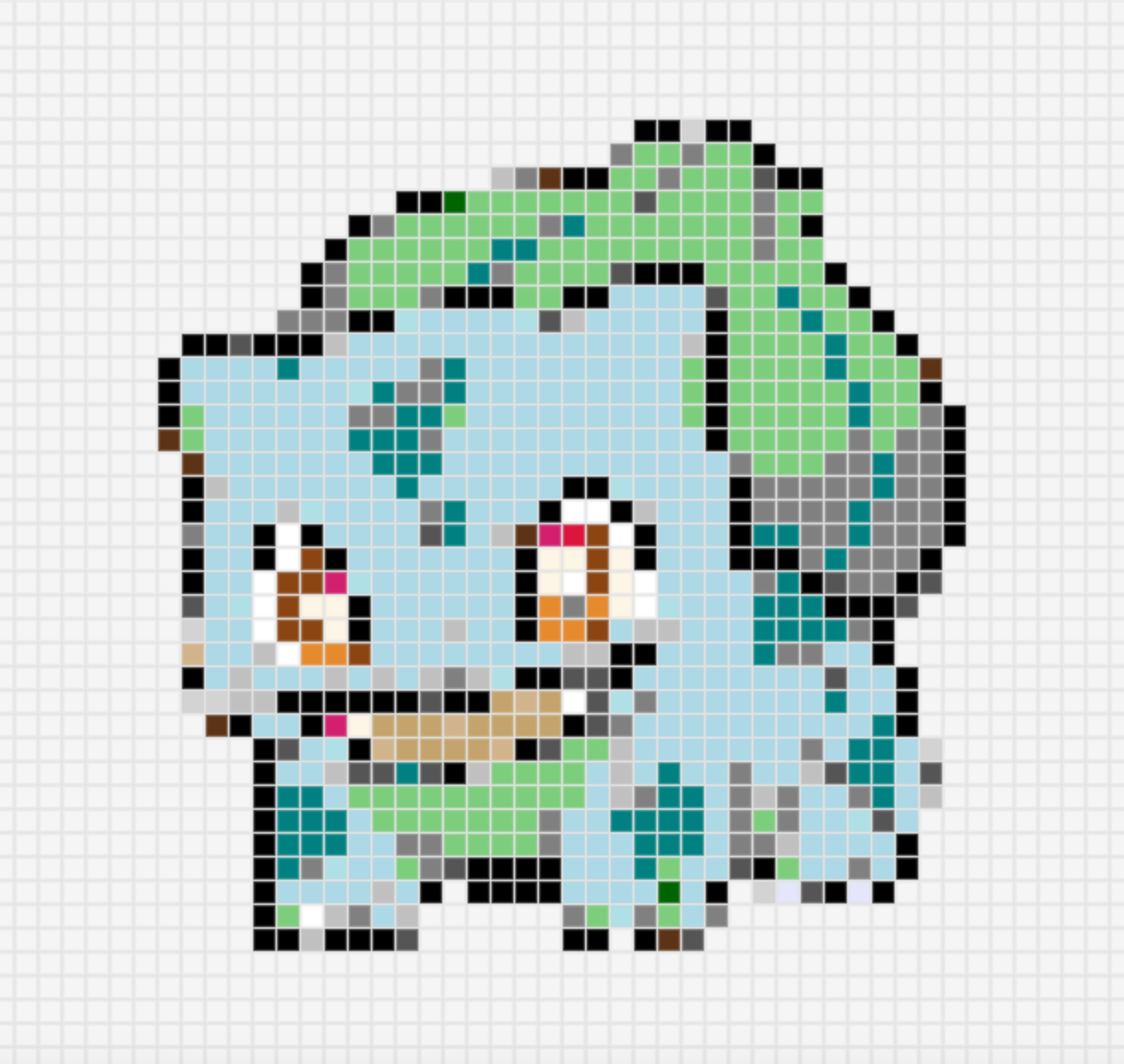
A soft teal Bulbasaur with a leafy green bulb — fresh greens with clear silhouette, ideal as a desk ornament, keychain, or Grass-type handmade gift.
Easy · 48 × 48 · Open pattern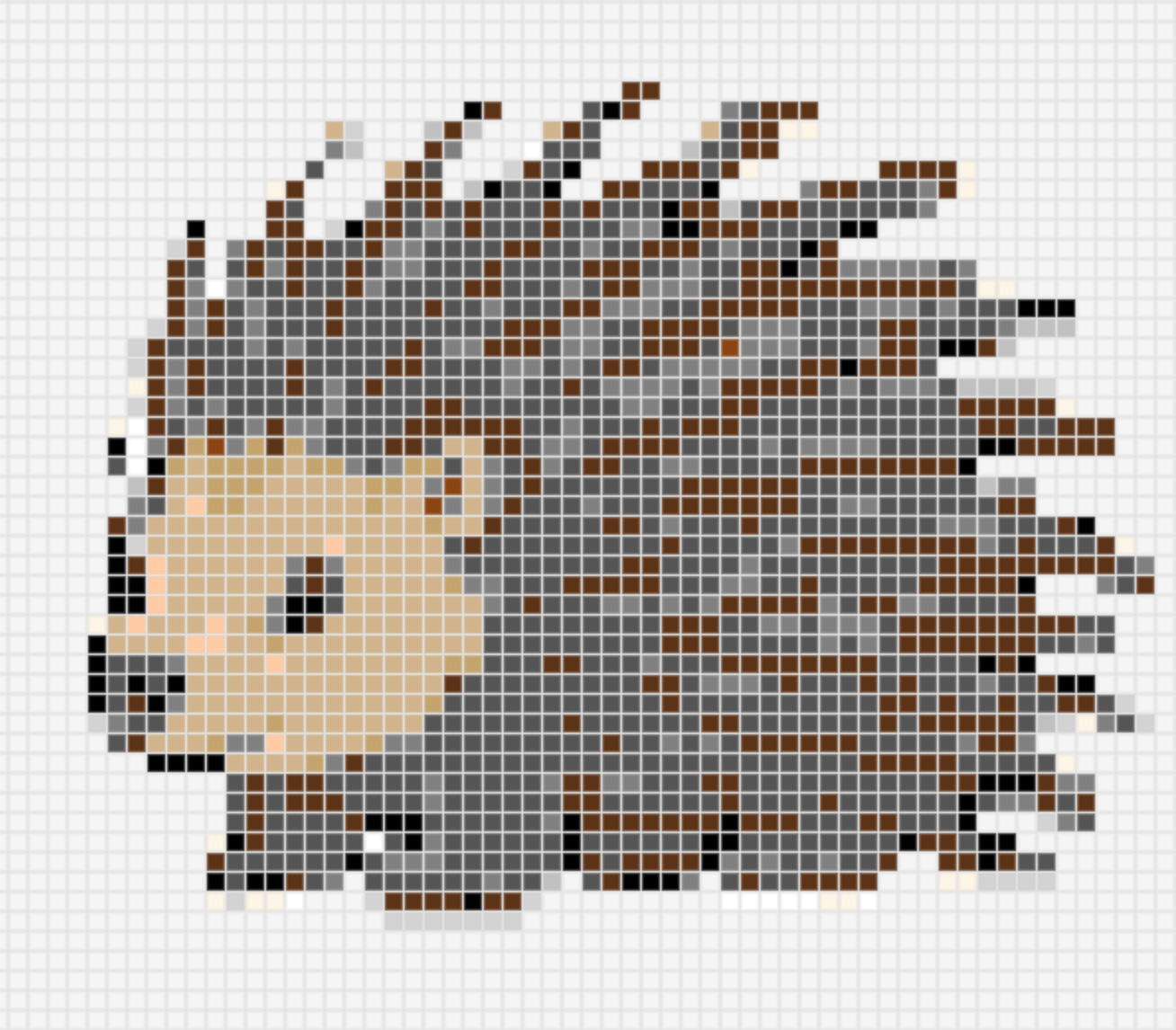
A side-view hedgehog with a warm cream face and chest against gray-brown spines — spiky yet cute, perfect as a desk ornament, keychain, or cozy animal gift.
Easy · 64 × 64 · Open patternPhoto to bead pattern in one click | Smart color matching | Bead count statistics - generate printable patterns instantly
Compatible with Perler bead system, intelligent color mapping to real bead color codes for authentic results.
Real-time statistics of beads needed per color, making material preparation and cost calculation a breeze.
Export PNG/PDF patterns with grid, color codes, and material lists. Print and start creating immediately.
Grid size freely adjustable from 16×16 to 100×100, flexible detail control for projects of all sizes.
Fine-tune your pattern with brush and eraser tools. Undo and redo help you get the result just right.
Pattern generation is fast. See results in real time as you adjust settings.
Upload a photo on the homepage, or start with a sample. Set the grid size, and the tool pixelates it onto Perler color codes in your browser. Fine-tune with the brush if needed, then download a PNG or print the sheet.
Yes. The Perler bead pattern generator is free, with no account: upload, generate, download a PNG, and print to PDF at no charge.
Illustrations, logos, pets, and portraits with a clear subject and simple background tend to convert best. Clean lines and solid color blocks read well as beads; busy photos benefit from removing the white background or using a larger grid.
Grid size ranges from 16×16 to 100×100; 48 works for most images. Use 16–32 for keychains and badges, and 64–100 when you need facial features or complex outlines. Larger grids are finer but use more beads — match the size to the finished piece.
No. Reading, pixelating, and exporting all run in this browser.
Yes. After generating, bead counts are listed by color code so you can plan materials.
Colors map to the Perler palette, each with a stable code you can use when buying beads.
Colors map to the Perler palette. Same-size Hama and fuse beads can be used alongside those codes.
Yes. Open any pattern to adjust the grid, remove the white background, then download or print.
Yes. Grid size, white-background removal, guides, color codes, and mirroring can be changed anytime.
Download a PNG and print it, or use your browser print dialog to save a color-coded PDF.